How to Find Social Media Accounts by Phone Number
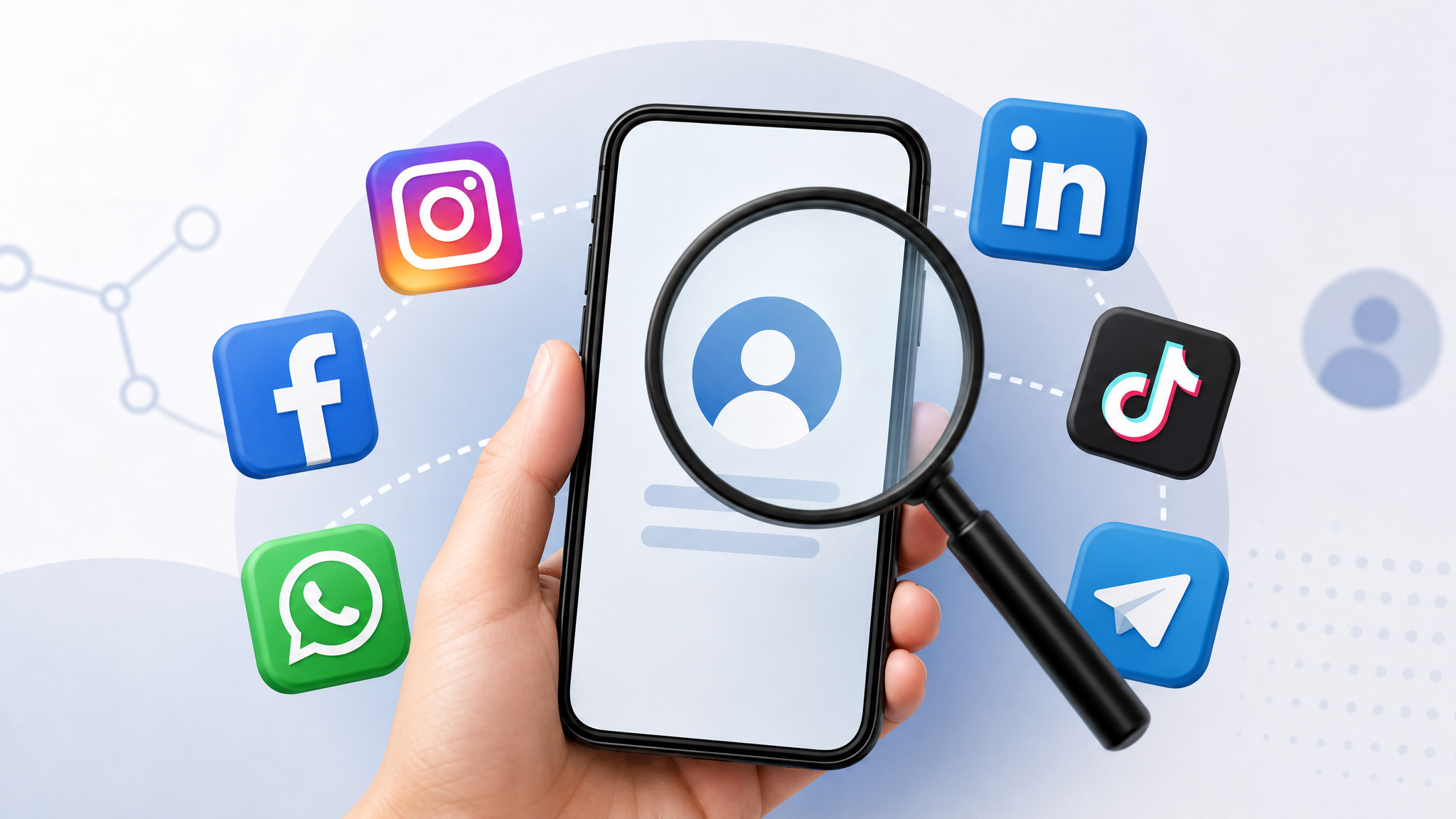
If you want to find social media by phone number, there are several practical methods you can try, from checking contact-sync features on social platforms to using reverse phone lookup tools. A phone number may be connected to accounts on Facebook, Instagram, WhatsApp, Telegram, LinkedIn, TikTok, or other services, but what you can find depends heavily on privacy settings, platform rules, and whether the person has linked that number publicly or privately.
This guide explains how phone numbers connect to social profiles, which search methods work best, what tools can help, and how to protect yourself from scams or privacy risks while searching responsibly.
Understanding the Connection Between Phone Numbers and Social Media
Many social media platforms ask users to add a phone number during account creation, two-factor authentication, password recovery, or identity verification. That does not always mean the number is publicly searchable, but it may help the platform suggest friends, verify contacts, or connect users through address book syncing.
For example, if someone has allowed Facebook, Instagram, TikTok, or Snapchat to access their contacts, the platform may use phone numbers to recommend accounts. Messaging apps such as WhatsApp, Signal, and Telegram are even more directly tied to phone numbers because the number often functions as the account identifier.
Privacy settings make a major difference. A person may choose whether others can find them by phone number, whether their profile appears in search results, or whether their number is visible to contacts. Some platforms also limit phone-based discovery to prevent scraping, spam, harassment, and unauthorized tracking.
- Facebook: May allow account discovery by phone number depending on user privacy settings.
- Instagram: Can suggest accounts through synced contacts, but direct phone searches are limited.
- WhatsApp: Shows whether a number is registered if you add it to your contacts.
- Telegram: May reveal a profile if the user allows discovery by phone number.
- LinkedIn: Can use phone contacts for connection suggestions, though visibility is restricted.
- TikTok and Snapchat: May suggest accounts from your phone contacts if syncing is enabled.
Because platforms regularly change their privacy policies, a method that worked previously may not work today. The most reliable approach is to combine several ethical search methods while respecting the other person’s privacy.
Methods to Find Social Media Accounts Using a Phone Number
There is no universal search box that reveals every profile linked to a number. Instead, use a careful, step-by-step approach. Start with the least invasive options, verify details before making contact, and avoid tools that promise private data they should not legally access.
Use social media search and contact-sync features
Some platforms allow users to search by phone number directly, while others rely on contact syncing. If you have a legitimate reason to identify the person, save the number in your phone contacts and check whether major apps suggest a matching account.
- Facebook: Try entering the number in the search bar. If the user permits phone-based discovery, their profile may appear.
- Instagram: Sync your phone contacts and check suggested accounts. Instagram may recommend profiles associated with saved numbers.
- Snapchat: Use the “Add Friends” or contacts feature to see whether the number is connected to an account.
- TikTok: Enable contact discovery to view suggested accounts from your address book.
- LinkedIn: Import contacts to see possible professional profiles connected to phone numbers or email addresses.
Be aware that contact syncing shares your address book with the platform. Review the app’s permissions and turn off syncing later if you do not want ongoing contact uploads.
Check messaging apps connected to phone numbers
Messaging apps are often the fastest way to confirm whether a phone number is active online. Add the number to your contacts, then open apps such as WhatsApp, Telegram, Signal, or Viber.
On WhatsApp, a registered number may show a profile name, profile photo, or status, depending on the user’s privacy settings. Telegram may display a username or profile if the person allows discovery by phone number. Signal is more privacy-focused and may reveal less information.
This method is useful for basic identity verification, but it should not be used to pressure or repeatedly contact someone who has not invited communication.
Use a reverse phone lookup service
A reverse phone lookup service can help connect a number to publicly available records, names, locations, carrier data, spam reports, and sometimes associated social profiles. Some services scan public databases, people-search indexes, caller ID reports, and web mentions.
Results vary. A lookup may show a name and possible profiles, or it may only identify the carrier and region. Mobile numbers, VoIP numbers, recently changed numbers, and privacy-protected numbers are harder to match accurately.
For best results, compare information from more than one source. If a lookup result suggests a social profile, verify it using profile photos, usernames, location clues, mutual contacts, or recent activity before assuming it is the right person.
Effective Tools for Phone Number to Social Media Searches
The right tool depends on what you need: caller identification, spam detection, public profile discovery, or a broader people search. Free tools can be useful for quick checks, while paid services may provide deeper public-record and social media matching. No tool can guarantee complete or perfectly current results.
| Tool | Best For | Cost | Strengths | Limitations |
|---|---|---|---|---|
| Truecaller | Caller ID and spam detection | Free and paid options | Large user-reported database, useful for identifying spam numbers | Social profile details may be limited and dependent on user data |
| Whitepages | Reverse phone lookup and public records | Free basic results; paid detailed reports | Helpful for names, addresses, and phone ownership history in some regions | Not every mobile or VoIP number is available |
| Spokeo | People search and social profile matching | Paid reports | Can aggregate public records, web profiles, and contact details | Results require verification and may contain outdated data |
| Social Catfish | Online identity verification | Paid searches | Useful for checking dating profiles, images, emails, and phone numbers | Not all searches return social media matches |
| Google Search | Free public web mentions | Free | Can find numbers listed on websites, business pages, forums, and profiles | Limited if the number is not publicly indexed |
Before paying for a report, check what the service promises. Reliable lookup tools explain that results come from public records, user-submitted data, or publicly available sources. Be cautious with websites that claim they can unlock private social media accounts, bypass privacy settings, or reveal hidden messages.
When choosing a tool, consider:
- Your purpose: Reconnecting with someone, verifying a caller, checking a suspicious message, or identifying spam.
- Coverage: Some services work better in the United States, while others have stronger international caller ID databases.
- Data sources: Public records, user reports, web mentions, and social media indexing produce different types of results.
- Privacy policy: Avoid tools that store or resell your searches without clear disclosure.
- Cancellation terms: Read subscription details before starting a trial or purchasing a report.
Safety and Privacy Considerations
Searching for social media accounts by phone number can be useful, but it also carries privacy and safety risks. The information you find may be incomplete, outdated, or connected to a previous owner of the number. People change numbers, recycle SIM cards, and use separate numbers for work, personal life, or online accounts.
Use phone number searches for legitimate reasons, such as confirming a caller’s identity, reconnecting with someone you already know, or checking whether a number is associated with spam. Avoid using these methods to monitor, harass, impersonate, or pressure anyone.
Protect your own privacy while searching
- Use reputable lookup services with clear privacy policies.
- Do not enter your personal information into suspicious “free report” forms.
- Avoid downloading unknown browser extensions or apps for phone searches.
- Disable contact syncing after checking social platforms if you do not want ongoing uploads.
- Use two-factor authentication on your own social media accounts.
- Review who can find you by phone number on Facebook, Instagram, Telegram, and other apps.
If you discover your own number linked to accounts or listings you did not authorize, update your privacy settings, remove public listings where possible, and report impersonation or abuse to the relevant platform.
Report abuse or spam properly
If your search leads you to a profile involved in harassment, phishing, impersonation, or fraud, do not engage further. Save relevant evidence, such as usernames, screenshots, message timestamps, and phone numbers, then report the account through the platform’s official reporting system. For financial fraud or threats, contact local authorities or the appropriate consumer protection agency.
Identifying Spam Accounts and Scams on Social Media
Sometimes the goal is not to reconnect with someone, but to check whether a number belongs to a scammer, fake profile, or suspicious account. Social media scams often use phone numbers to create a sense of trust, move conversations off-platform, or pressure victims into quick decisions.
Signs a profile may be fake
- The profile was created recently and has little genuine activity.
- Photos look overly polished, stolen, or inconsistent across posts.
- The account has few real interactions despite many followers.
- The name, location, and phone number do not match other available information.
- The person avoids video calls or gives excuses when asked to verify identity.
- The account quickly asks for money, gift cards, crypto, verification codes, or personal documents.
Also watch for profiles that use urgency: “I need help today,” “Your account will be closed,” “Send the code now,” or “This investment opportunity expires soon.” Scammers often try to move conversations to WhatsApp, Telegram, or SMS because those channels can be harder to moderate.
What to do if a found profile looks suspicious
Do not share verification codes, banking details, passwords, or identity documents. Search the profile photo with a reverse image search tool, compare usernames across platforms, and check whether the phone number appears in spam report databases. If the account is impersonating someone you know, alert that person through a trusted contact method.
Most platforms provide dedicated reporting options:
- Facebook and Instagram: Report profiles for impersonation, scams, harassment, or fake accounts.
- WhatsApp: Use “Report” and “Block” from the chat or contact page.
- Telegram: Report spam accounts and block unwanted contacts.
- LinkedIn: Report fake professional profiles, phishing, and recruitment scams.
- TikTok and Snapchat: Report suspicious accounts, impersonation, and abusive messages through in-app tools.
Case Studies: Real-Life Examples of Finding Social Media by Phone Number
The following anonymized examples show how phone number searches can help, along with the limits you may encounter.
Reconnecting with an old classmate
A user found an old phone number for a former classmate but did not know whether it was still active. After saving the number, they checked WhatsApp and saw a matching profile photo. They then searched the name on Facebook and found a public profile with the same city and school history. Instead of sending multiple messages, they sent one polite note explaining how they knew the person. The classmate responded positively.
The lesson: combine phone-based clues with profile details, and make contact respectfully.
Verifying a marketplace seller
A buyer received a phone number from someone selling electronics on a social marketplace. A reverse phone lookup showed spam complaints tied to the number, and a social media search revealed a recently created profile with no real activity. The seller pushed for payment through an irreversible transfer method. The buyer declined and reported the listing.
The lesson: if a phone number connects to spam reports and a thin social profile, treat the transaction as high risk.
Running into privacy limits
Another user tried to find social media by phone number after receiving repeated missed calls. Social platform searches returned no matches, and messaging apps showed no visible profile details. A basic reverse lookup only identified the number as a VoIP line. The user blocked the number and reported it as spam instead of continuing to search.
The lesson: not every number can be linked to a real profile. Privacy settings, VoIP services, recycled numbers, and fake accounts can prevent accurate identification.
Confirming a professional contact
A small business owner received a call from a potential client. The phone number appeared in a reverse lookup under a business name, and LinkedIn showed a matching person employed at that company. The owner verified the contact through the company’s official website before discussing any sensitive information.
The lesson: use social media results as a starting point, not final proof of identity.
Conclusion
Finding social media accounts by phone number can help you reconnect, verify identities, and spot suspicious activity, but results depend on platform permissions, privacy settings, and the quality of available data. Start with social media search features, check messaging apps, and use reputable reverse phone lookup tools when needed.
Respect privacy, verify results carefully, and avoid services that promise access to private or hidden information. Used responsibly, phone number searches can make online interactions safer and more informed.
Frequently Asked Questions
Can I find someone’s social media if they have a private profile?
Finding someone’s social media linked to a private profile by phone number may be challenging due to privacy settings. You may only find public information if available, or the platform may simply suggest the account without showing private posts or details.
Are there legal implications when searching for social media accounts by phone number?
Generally, searching for social media accounts linked to phone numbers is legal when you use public information and platform-approved features. However, you should respect privacy laws, avoid harassment, and follow each platform’s terms of service.
What are some reliable tools for reverse phone lookup?
Some reliable tools include Whitepages, Truecaller, and Spokeo. These services may help identify phone owners, spam reports, location data, or possible social media accounts linked to phone numbers, depending on available records.
How accurate is the information found using these methods?
The accuracy can vary. Profiles may be outdated, phone numbers may have changed owners, and some users hide their accounts from phone-based discovery. Always verify results through multiple clues before assuming a match is correct.
What should I do if I find a suspicious account through my search?
If you encounter a suspicious account, avoid sharing personal or financial information. Block the account if necessary, save evidence, and report it to the relevant social media platform to help prevent scams or fraud.